
How to Create and Sell Children’s Ebooks Using AI in 2026 (Step-by-Step Guide)
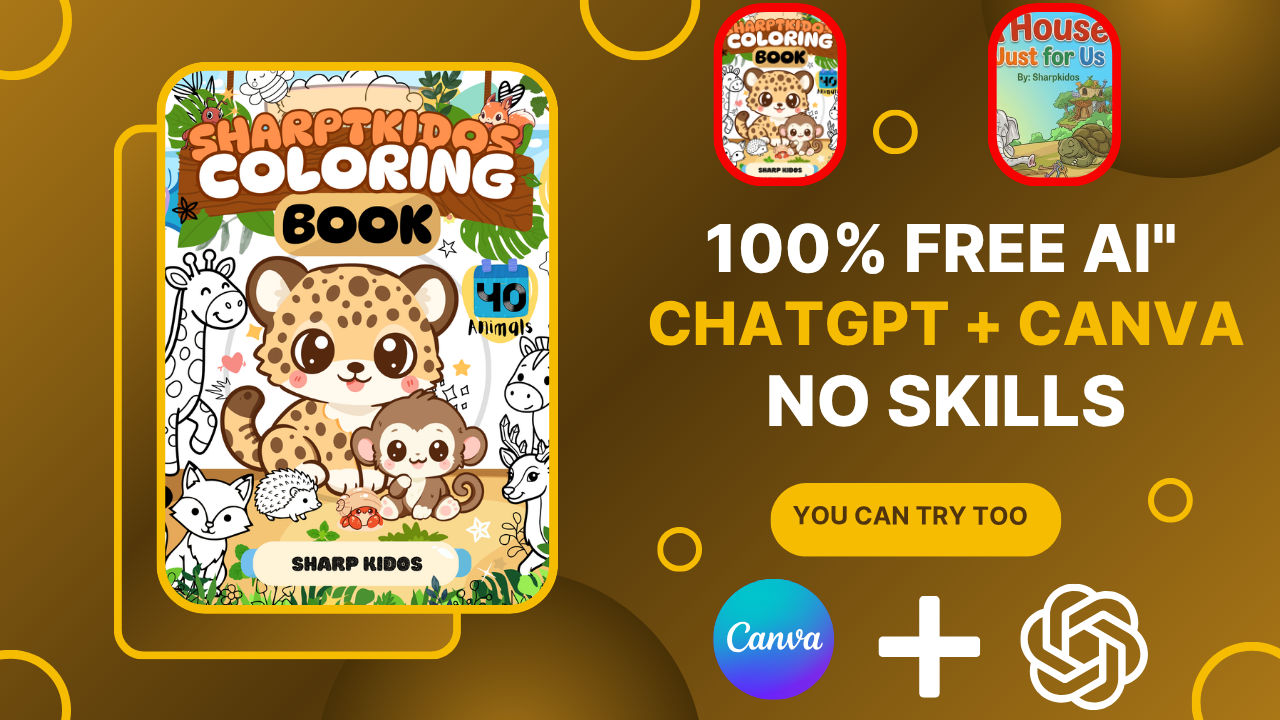
How to Create and Sell Children’s Ebooks Using AI
The dream of earning passive income has never been more achievable than it is today. Thanks to artificial intelligence and user-friendly design tools, anyone can create digital products and sell them online without needing advanced technical skills.
One of the most profitable digital products you can create is an ebook. Children’s storybooks and coloring books are particularly attractive because they are evergreen products that can generate sales for years after creation.
In this guide, you’ll learn three powerful methods for creating children’s ebooks using AI and Canva, even if you’ve never designed a book before.
Why Children’s Ebooks Are a Great Passive Income Opportunity
Passive income means building a product once and earning money from it repeatedly.
Traditional passive income examples include:
- Rental properties
- Music royalties
- Movie royalties
- YouTube videos
However, digital products offer a much lower startup cost and can be created from home.
Some examples of digital products include:
- Ebooks
- Coloring books
- Digital planners
- Printable worksheets
- Templates
- Royalty-free music
Children’s books are especially promising because many parents are actively seeking educational alternatives to excessive screen time.
Method 1: Create Children’s Books Using Canva Templates
The fastest way to create an ebook is by using Canva’s ready-made templates.
Step 1: Open Canva
Visit Canva and search for:
- Children’s Story Book
- Kids Story Book
- Children’s Coloring Book
Canva offers hundreds of professionally designed templates.
Step 2: Choose a Template
Browse through available designs and select one that matches your desired theme.
Popular themes include:
- Animals
- Adventure stories
- Educational books
- Fairy tales
- Coloring books
Step 3: Customize the Content
After selecting a template:
- Change the title
- Edit the story
- Replace images if necessary
- Add your author name
- Include your website URL
Example:
Original Title:
“Growing Smarter”
New Title:
“My Magical Adventure”
Step 4: Download the Book
For digital sales:
- PDF Standard
For printing:
- PDF Print
- CMYK color profile
This ensures professional-quality printing for customers who want physical copies.
Method 2: Use AI to Write Children’s Stories
If you want unique content, AI can generate original stories within minutes.
Generate a Story with AI
Using tools like ChatGPT, Gemini, Claude, or other AI writers, prompt:
“Create a children’s story for ages 6–12 about a brave peacock who learns the importance of kindness and courage.”
The AI will generate:
- Title
- Characters
- Storyline
- Moral lesson
Import the Story into Canva
Once the story is ready:
- Open your Canva template.
- Replace existing text.
- Adjust fonts and layouts.
- Add your author name.
Tips for Better Children’s Books
- Use simple language.
- Keep sentences short.
- Include strong moral lessons.
- Use plenty of illustrations.
- Target a specific age group.
Ages 6–12 typically respond well to books featuring:
- Animals
- Adventure
- Friendship
- Family values
- Problem-solving
Method 3: Create Original Books with AI Images
For maximum originality, generate both the story and images using AI.
Tools You Can Use
- Leonardo AI
- ChatGPT Image Generation
- Midjourney
- Flux
- Gemini Image Creator
Step 1: Generate the Story
Example prompt:
“Write a children’s story about a girl learning gardening skills from her grandmother.”
Step 2: Generate Illustrations
Create custom illustrations for:
- Cover page
- Characters
- Story scenes
- Background elements
Step 3: Design the Book in Canva
Import AI-generated images into Canva.
Add:
- Title pages
- Story pages
- Copyright page
- Website link
- Call-to-action page
Step 4: Export the Final Product
Download as:
- PDF Standard (digital sales)
- PDF Print (physical printing)
This method creates a highly unique product that stands out in crowded marketplaces.
Best Niches for Children’s Books in 2026
If you’re unsure what to create, these niches are currently performing well:
Educational Books
- Science for kids
- Math activities
- Reading practice
Moral Stories
- Kindness
- Courage
- Honesty
- Respect
Coloring Books
- Animals
- Dinosaurs
- Princesses
- Vehicles
Activity Books
- Mazes
- Puzzles
- Word searches
Bedtime Stories
- Family themes
- Adventure stories
- Fantasy worlds
Where to Sell Your Children’s Ebooks
After creating your ebook, you can sell it through multiple platforms.
Popular options include:
- Etsy
- Gumroad
- Amazon KDP
- Payhip
- Shopify
- Your own website
Having your own website gives you the most control and allows you to keep more of the profits.
How to Market Your Ebook
Creating the ebook is only half the journey.
To generate sales:
Create Short-Form Videos
Post on:
- YouTube Shorts
- TikTok
- Instagram Reels
Build an Email List
Offer a free sample book in exchange for email subscriptions.
Use Pinterest
Pinterest works exceptionally well for:
- Printables
- Coloring books
- Educational content
Run Paid Ads
Platforms such as Facebook and TikTok can help you reach parents interested in educational products.
Frequently Asked Questions
Can I sell Canva templates commercially?
Yes, Canva allows commercial use of many template elements, but always review Canva’s latest licensing terms before selling.
Do I need design skills?
No. Canva templates and AI tools make the process beginner-friendly.
Can AI write an entire children’s book?
Yes, AI can generate stories, character ideas, titles, and even illustrations.
How much money can I make selling ebooks?
Results vary, but successful creators often earn recurring income by selling multiple digital products across several platforms.
What is the easiest type of ebook to create?
Coloring books are among the easiest because they require fewer words and can be generated quickly using templates and AI art.
Final Thoughts
Creating children’s ebooks with AI is one of the most accessible online business opportunities in 2026. Whether you use Canva templates, AI-generated stories, or fully original AI artwork, you can build digital products that continue generating income long after they are published.
The key is consistency. Create your first book, publish it, learn from the process, and continue building your collection.
The more digital products you create, the greater your chances of building a sustainable passive income stream.