
How to Create a Children’s Book with AI Using ChatGPT and Canva (Step-by-Step Guide)
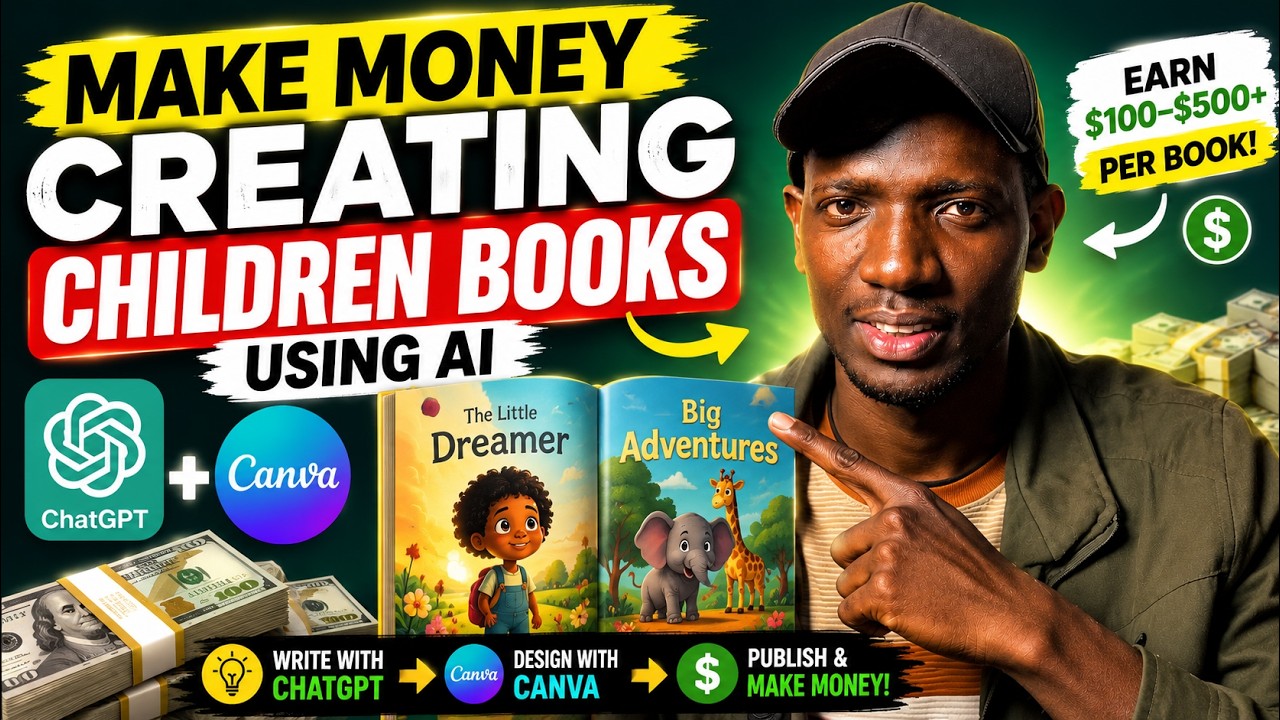
Creating a children’s book has never been easier. Thanks to artificial intelligence, you no longer need to be a professional writer or illustrator to publish your own storybook. With tools like ChatGPT and Canva, anyone can create beautiful children’s books and sell them online through platforms like Amazon KDP, Gumroad, Etsy, or their own website.
In this guide, I’ll walk you through the exact process of creating a children’s book using AI—from writing the story to designing the pages and exporting a print-ready PDF.
Why Use AI to Create Children’s Books?
AI has made publishing more accessible than ever before. Instead of spending weeks brainstorming ideas, writing stories, and designing pages, you can complete an entire children’s book in just a few hours.
Some of the biggest benefits include:
- No writing experience required
- Faster content creation
- Professional-looking book designs
- Low startup costs
- Opportunity to earn passive income
Whether you’re creating books for fun or building an online publishing business, AI tools can dramatically speed up the process.
Step 1: Write Your Children’s Story with ChatGPT
The first step is generating the story.
Open ChatGPT and describe the type of book you want to create. The more specific your prompt, the better the results.
For example:
“Write a five-page children’s story for kids aged 6–10 that teaches the importance of caring for each other. Use simple language, engaging dialogue, and end with a meaningful lesson.”
Within seconds, ChatGPT generates a complete story that you can edit, expand, or personalize.
Pro Tip
If you already have inspiration from another children’s book, you can upload a PDF or reference material and ask ChatGPT to create something with a similar tone while keeping the story original.
Step 2: Open Canva
After generating your story, move to Canva.
Create a new design by selecting either:
- A children’s book template
- Custom book dimensions
Using a template helps speed up the design process and gives your pages a professional layout.
Step 3: Choose a Kid-Friendly Background
Background colors play a major role in making your book attractive to children.
Instead of using plain white or black pages, choose:
- Light blue
- Soft green
- Cream
- Light yellow
- Pastel colors
Bright but soft colors create a more engaging reading experience for young children.
Step 4: Design the Front Cover
Your cover determines whether someone clicks on your book.
Create an eye-catching title that reflects the story.
For example:
The Little Umbrella
Then use Canva’s Elements library to search for graphics such as:
- Children
- Umbrellas
- Trees
- Animals
- Flowers
- Sunshine
- Rainbows
Arrange the graphics neatly and use playful fonts that are easy to read.
Remember, children (and parents) often judge books by their covers.
Step 5: Design Each Story Page
Once your cover is complete, duplicate the page layout for the rest of the book.
Copy your ChatGPT-generated story onto each page and add matching illustrations.
For example:
If your story mentions:
- A young boy
- A puppy
- Flowers
- A playground
Simply search those keywords inside Canva Elements and drag suitable graphics onto the page.
This makes the story more engaging and helps children follow along visually.
Step 6: Keep the Design Simple
Children’s books should be easy to read.
Some design tips include:
- Use large fonts
- Leave plenty of white space
- Avoid overcrowding pages
- Keep illustrations colorful
- Maintain consistent colors throughout the book
A clean layout makes reading more enjoyable for young learners.
Step 7: Export Your Children’s Book
After completing the design, it’s time to export your project.
In Canva:
- Click Share
- Select Download
- Choose PDF Print
PDF Print produces higher-quality files suitable for professional printing.
If available, enable the CMYK color profile for better print accuracy.
Step 8: Review Before Publishing
Before uploading your book anywhere, open the exported PDF and carefully review:
- Font sizes
- Image placement
- Spelling
- Grammar
- Page order
- Margins
A few minutes of proofreading can prevent negative customer reviews later.
Where Can You Sell Your AI Children’s Book?
Once your PDF is ready, you can publish it on multiple platforms, including:
- Amazon KDP
- Gumroad
- Etsy
- Payhip
- Shopify
- Your own website
Many creators earn passive income by publishing multiple children’s books targeting different age groups and educational topics.
Tips for Better AI Children’s Books
To make your books stand out:
- Focus on one moral lesson per story.
- Use language appropriate for your target age group.
- Create colorful, engaging illustrations.
- Keep stories short and memorable.
- Design an attractive cover.
- Proofread everything before publishing.
Quality books are more likely to receive positive reviews and repeat buyers.
Final Thoughts
Artificial intelligence has transformed self-publishing. Tools like ChatGPT and Canva make it possible for almost anyone to create beautiful children’s books without hiring writers or graphic designers.
While AI handles much of the heavy lifting, your creativity still plays the biggest role in creating a book that children will enjoy and parents will recommend.
If you’re looking for a simple way to start earning online through digital products, creating children’s books with AI is one of the easiest opportunities available today.
Start with one story, improve your process, and continue building your library over time.
The more quality books you publish, the greater your potential for long-term passive income.